You publish a video on Facebook that receives 5,000 views, 350 reactions, 100 shares, and 100 link clicks. Your total Video Engagements for that video is 5,550 — the sum of every interaction across all types.
Video Engagements
Last updated: Jul 15, 2026
What is Video Engagements?
Video Engagements is the total count of interactions viewers have with a video, including views, likes, shares, comments, and link clicks. The metric measures the volume of audience activity a video generates across all interaction types.
Video Engagements Formula
ƒ Count(Video Engagements)
How to calculate Video Engagements
Start tracking your Video Engagements data
Build and track this metric in PowerMetrics, a modern analytics platform that lets you define metrics and connect your own data.
Get PowerMetrics Free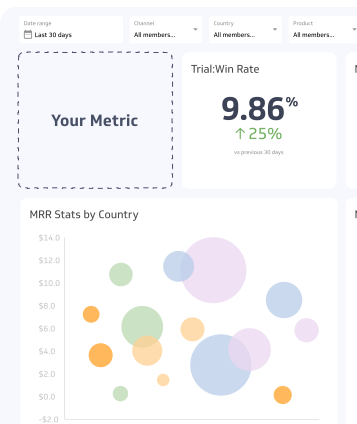
How to visualize Video Engagements?
Visualize your Video Engagements data with a summary chart that compares your current value to a previous time period.
Video Engagements visualization example

Summary Chart
Here's an example of how to visualize your current Video Engagements data in comparison to a previous time period or date range.

Video Engagements
Chart
Measuring Video EngagementsMore about Video Engagements
Why Video Engagements matter
Video holds attention longer than most content formats, but only when the content gives viewers a reason to stay and interact. Tracking Video Engagements tells you how much activity your video is generating, and whether that activity grows over time.
Engagements can take many forms:
- Passive interactions: Video Views, watch time
- Active interactions: Likes, comments, shares, link clicks
- In-video actions: Poll responses, quiz answers, calls-to-action embedded in the video itself
When you add interactive features directly to a video — such as a poll or a clickable call-to-action — every response counts toward your Video Engagements total. These in-video elements are one of the most effective ways to increase engagement because they give viewers something to do while watching.
How to use Video Engagements effectively
Video Engagements is a volume metric. A high count means your video is generating activity, but it does not tell you whether that activity is driving business results.
Use it alongside:
- Video Cost per Conversion: Connects engagement volume to actual outcomes
- Video Engagement Rate: Normalizes engagement against reach, so you can compare performance across videos with different audience sizes
Tracking Video Engagements in isolation risks the vanity metric trap: a large number feels meaningful but may not reflect real value. Pair it with conversion and rate metrics to understand what your video content is actually contributing.
Contributor